
CMS & Platform Migrations in San Antonio, TX
WordPress Migration in San Antonio, Content and Rankings Included.
We move your content, media, user accounts, and historical URLs to a fast, secure platform that does not need a plugin update every Tuesday.
- A free written plan, yours to keep
- A person replies within 4 business hours
- A fixed written quote before work starts
- Built and supported in San Antonio
- Your goal
- Timing & budget
- Where to send it
v26.10
The short version
CMS & Platform Migrations in San Antonio: what usually goes wrong, and the fix.
What you get instead
Leave plugin security alerts and slow pages behind. Your content comes with you, and your old URLs keep pointing to the right places.
Most agencies sell this kind of work as a package: a price, a slide deck, and a launch date. Then they find out what your business needs. We work in the other order. First comes a free written plan that names what to fix and what it costs. Then the work, in stages you can see. Then numbers that show whether it paid.
If something isn’t paying, we say so and stop. That is cheaper for you, and it turns out to be good for repeat business.
Who it’s for
Who hires us for CMS & Platform Migrations
- Publishers, content-heavy blogs, and organizations tired of WordPress maintenance
Not on the list? Ask anyway. The plan is free, and we will tell you plainly if we are the wrong fit.
What’s included
What our CMS & Platform Migrations service includes
Every item below is part of the work, not an upsell you discover on the invoice. Each one exists for a reason we can explain in a sentence.
Automated Content Extraction
Scripted export and cleanup of thousands of articles, pages, and images.
Content Verification
Automated checks confirming that every piece of historical content arrived on the new platform.
What you have when we finish
- Cleaned content database
- 301 redirect plan
- New custom-built website
You own what we deliver. Nobody holds your website hostage.
Setup will walk you through 3 steps. It will not ask you to insert Disk 2.
The process
How a CMS & Platform Migrations project runs, step by step
No mystery phases and no “we’re in discovery” for three months. Each step ends with something you can see, click, or keep, and you approve it before the next one starts.
- 1
Database Audit
We catalog legacy post types and categories.
You receive: Content Schema Plan
- 2
Migration Pipeline
Automated import into the new site's content store.
You receive: Migrated Staging Content
- 3
Verification and Cutover
Every URL checked for the correct 200 or 301 status.
You receive: Completed Migration
Same folder
More Web Development services in San Antonio
CMS & Platform Migrations is one piece of our Web Development work. If the problem is bigger or smaller than this page, one of these probably fits.
- Custom Business WebsitesCustom websites in San Antonio, designed and built from scratch to show buyers why you are worth the call.
- High-Performance Business WebsitesBusiness website design in San Antonio for companies that want steady calls and form leads from their site.
- Custom Ecommerce SystemsCustom ecommerce development in San Antonio: online stores with fast product search, custom configurators, and a short checkout.
- Web Application EngineeringWeb application development in San Antonio for complex business logic, real-time data, and secure user dashboards.
- SaaS Product EngineeringSaaS product engineering in San Antonio: multi-tenant applications with subscription billing, automated onboarding, and room to grow.
- API Development & IntegrationAPI development in San Antonio: secure REST and GraphQL APIs, webhooks, and integrations that keep your systems in sync.
- Database Architecture & OptimizationDatabase development in San Antonio: schema design, query tuning, and migrations that keep your applications fast.
- Website Redesign & ModernizationWebsite redesign in San Antonio: rebuild an outdated, slow site as a fast custom build without losing the Google rankings you earned.
- Website Maintenance & SupportWebsite maintenance in San Antonio: uptime monitoring, security patches, form testing, and developer help when you need a change.
Related services
Services that pair well with CMS & Platform Migrations
A fast website with no traffic is a quiet room. Traffic to a slow website is a leaky bucket. These close the gap.
Where and for whom
CMS & Platform Migrations for San Antonio and the Hill Country
Customers in Boerne and customers on the South Side search differently, buy differently, and ignore different ads. We plan for the towns and trades you actually serve.
Service areas
Industries we build this for
- Media & Publishing
- B2B Enterprises
CMS & Platform Migrations: related work
Sites we built that put CMS & Platform Migrations to work
Claims are cheap. Screenshots are less so. Here is recent work where cms & platform migrations did some of the heavy lifting. Click through to the live sites and judge the result yourself.
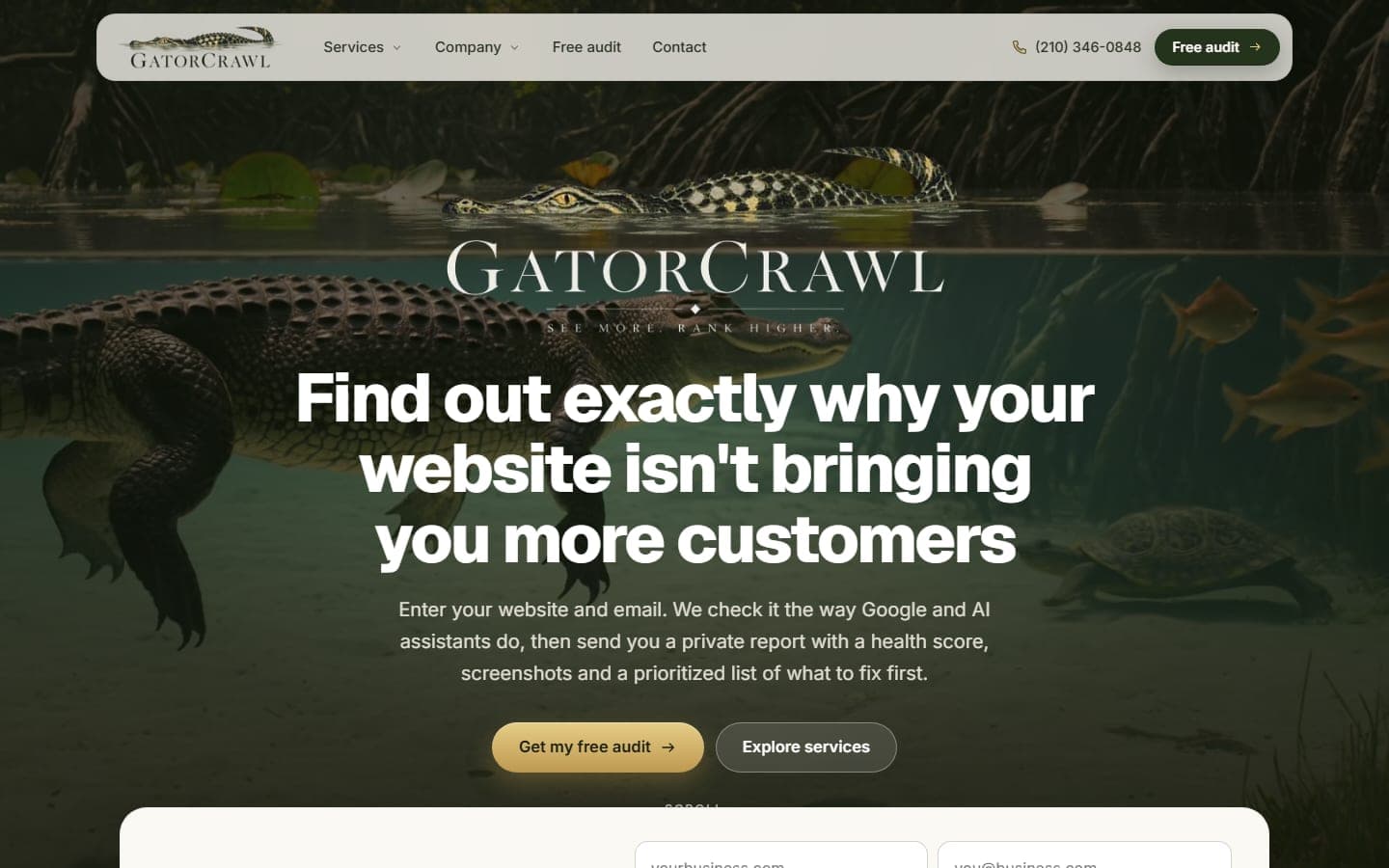
GatorCrawl SEO
San Antonio, TX · Nationwide
Our own audit product. Enter a website and an email, and GatorCrawl checks the site the way Google and AI assistants do, then sends a private report…
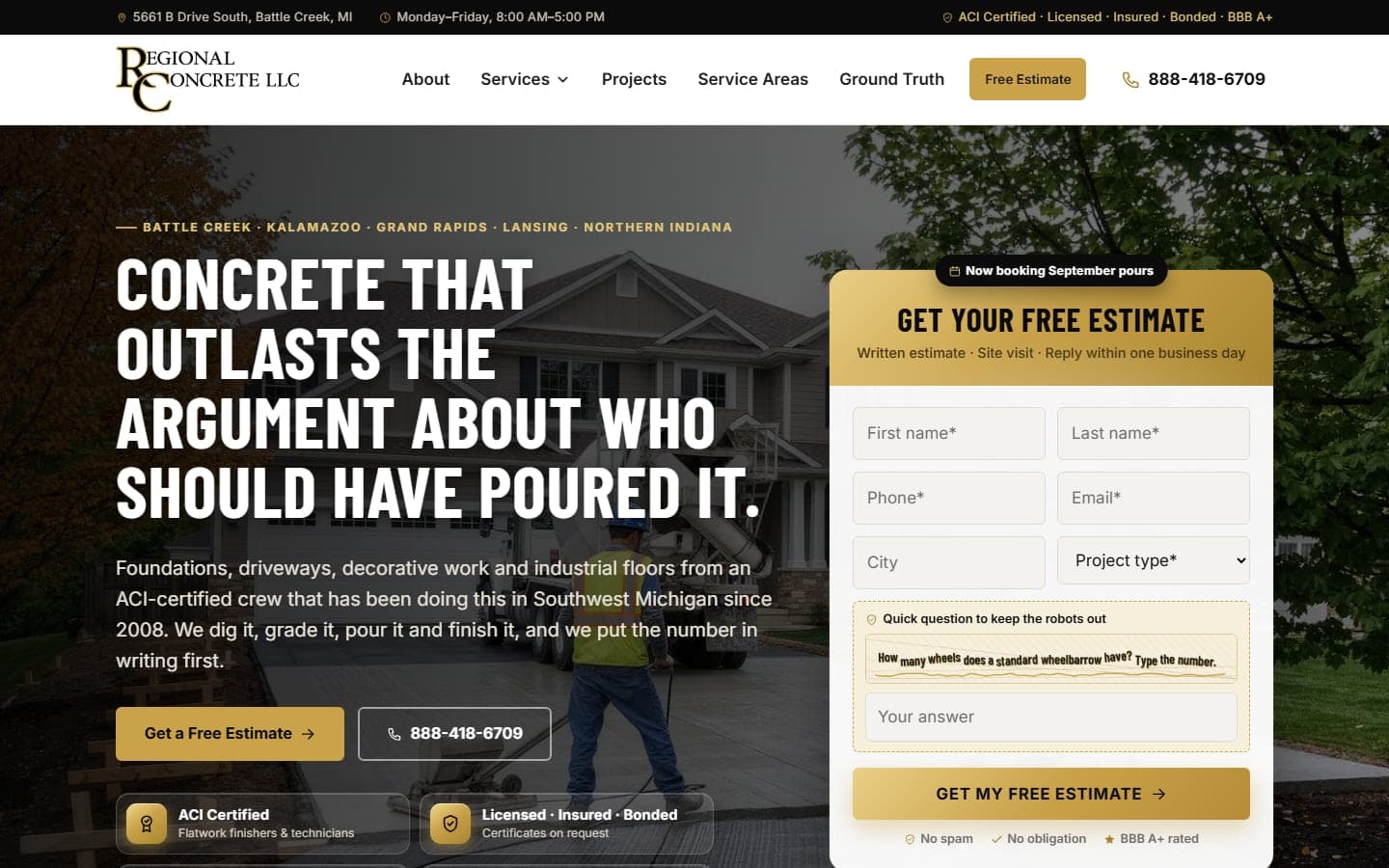
Regional Concrete LLC
Battle Creek, MI · Southwest Michigan
An ACI-certified concrete contractor pouring driveways, foundations, decorative and industrial floors, excavation and grading across Southwest…
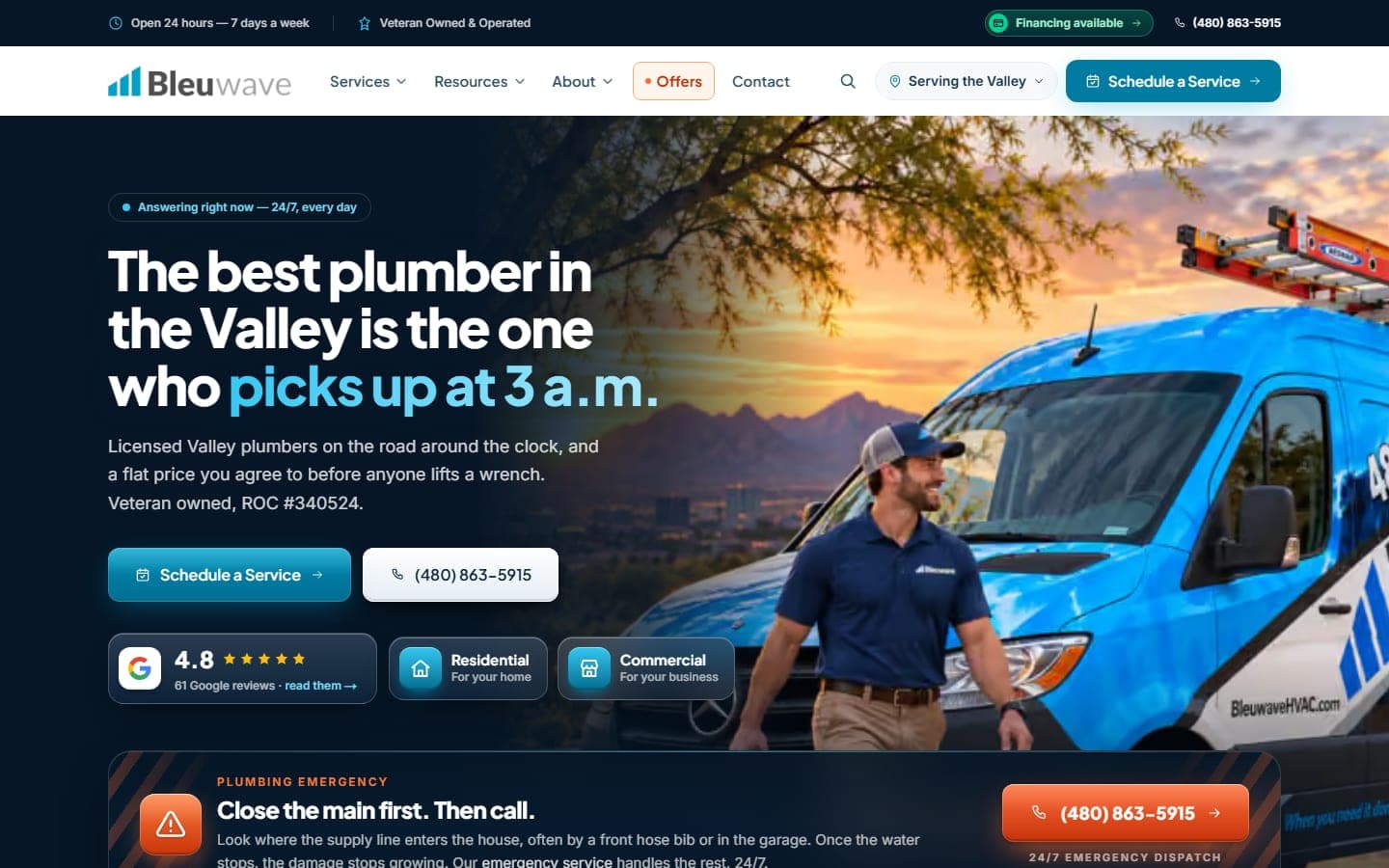
Bleuwave Plumbing
Phoenix, AZ · Metro
Rebuilt from the ground up as a fast custom build for a veteran-owned Valley plumber whose business is decided at three in the morning. The estimate…
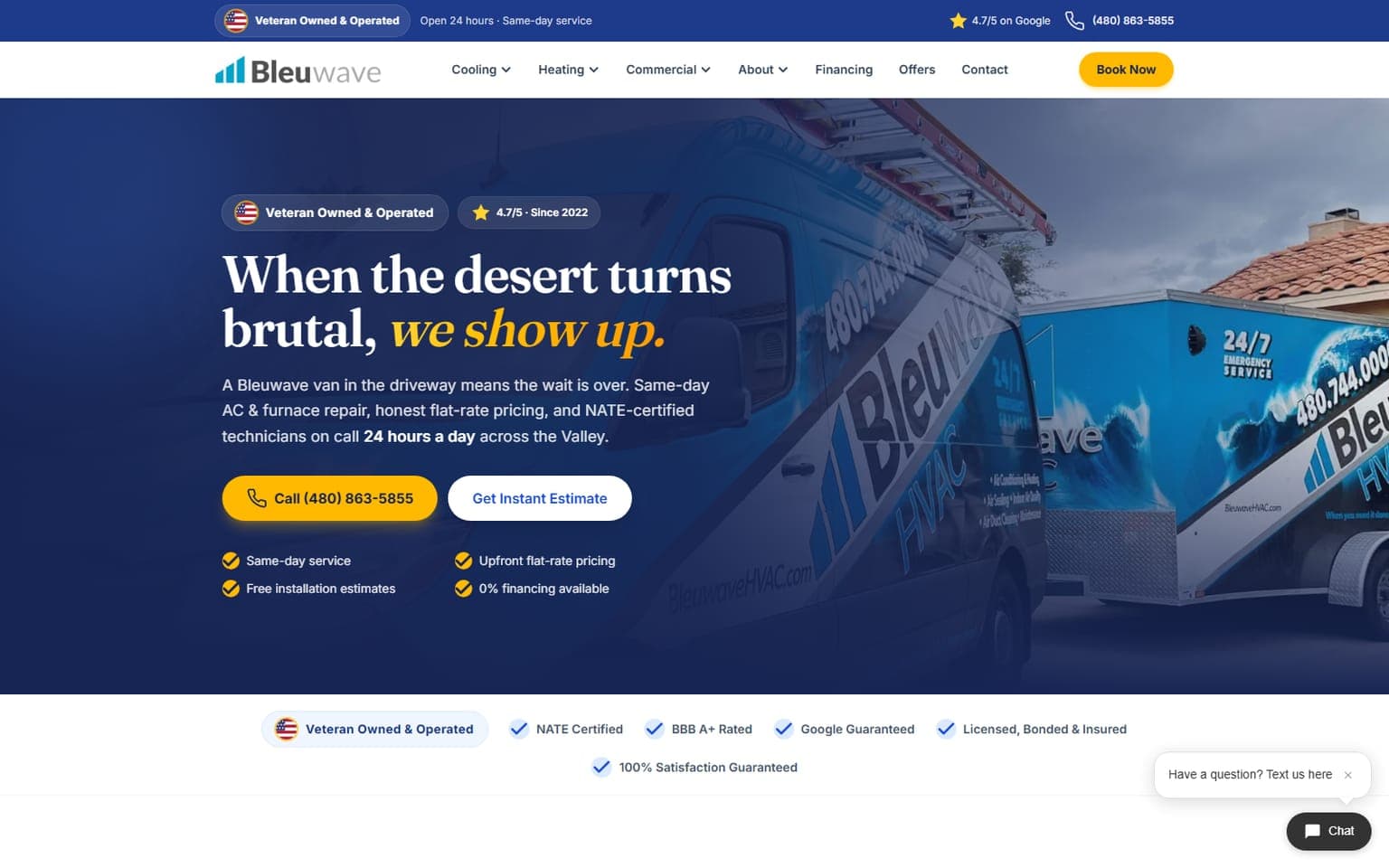
Bleuwave HVAC
Phoenix, AZ
A ground-up redesign that turns a 2 a.m. air-conditioning failure into a booked job before a competitor's phone even rings. The centerpiece is the…

Bleuwave Home Services
Phoenix, AZ · San Antonio, TX
The new Bleuwave Home Services site: HVAC, plumbing, electrical and handyman work for the Phoenix metro, rebuilt around the emergency call. The…
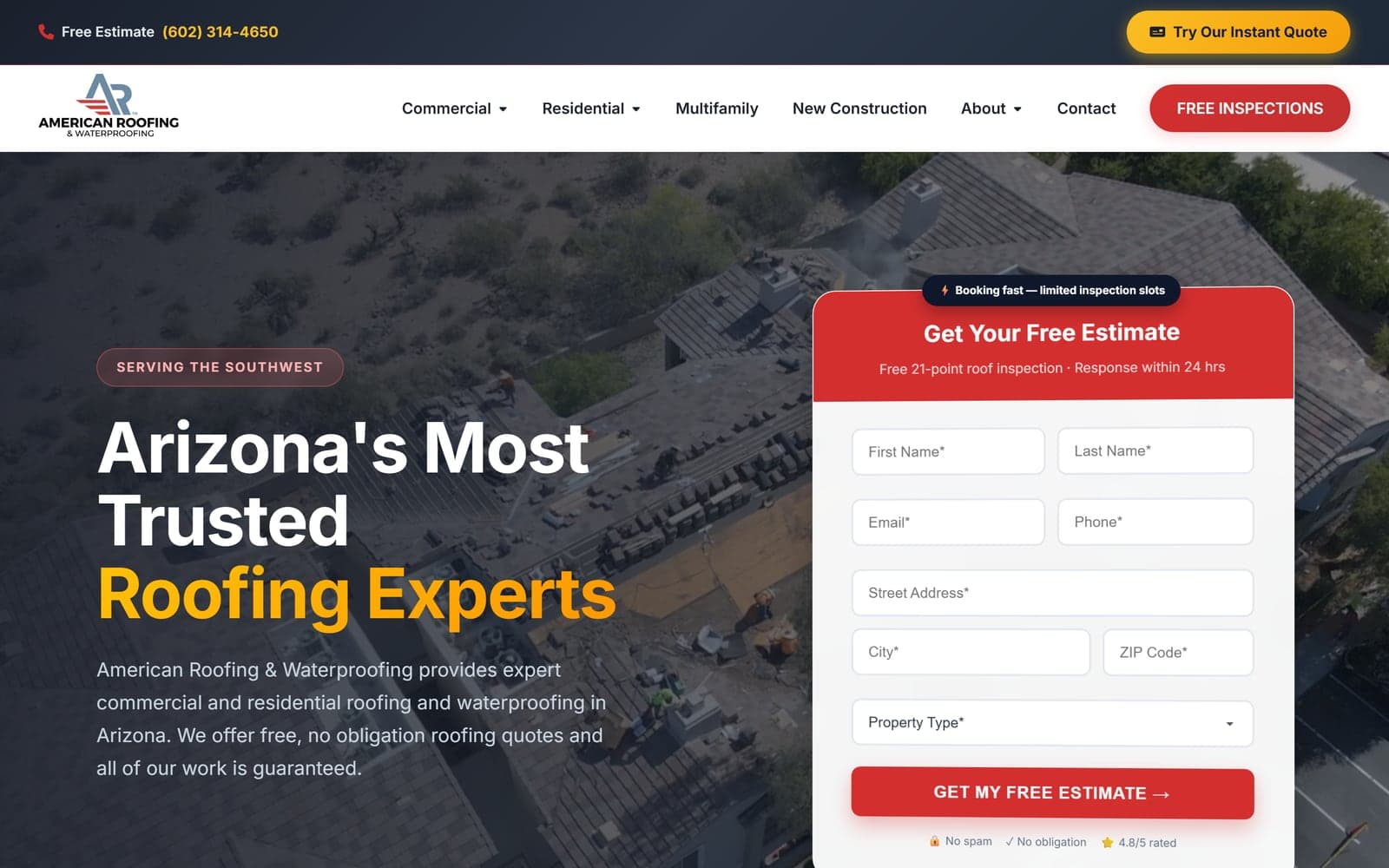
American Roofing & Waterproofing
Phoenix, AZ · Southwest
A high-converting site for an Arizona roofing & waterproofing company, built around a custom instant-quote tool that turns visitors into booked…
Related pages
More on CMS & Platform Migrations: services, free tools, and guides
Try a free tool before you call anyone, or read a guide that answers the question you were about to ask.
- Custom-Built Website vs. WordPress: When a Growing Business Should Switch, and When It Shouldn't
- Redesign Your Website Without Losing Your Google Rankings: The Redirect Map and Launch-Day Checklist
- Put a Price on Your Website: How Instant Estimates and Honest Ranges Win Customers Who Hate Waiting for a Callback
Help Topics
CMS & Platform Migrations in San Antonio: common questions
Straight answers on cost, timing, and what happens after launch. If yours isn't here, ask. A person will answer.
Can you migrate thousands of existing blog posts?
Will a WordPress migration hurt my SEO?
Can our team still edit content after leaving WordPress?
Why do San Antonio businesses migrate off WordPress?
Get a free CMS & Platform Migrations plan. Keep it either way.
Tell us what you need and what is in the way. Within four business hours you get a short, specific plan: what to build or fix first, what to skip, and what it should cost. Hire us or don't. The plan is yours.
No contracts to sign. No sales script. Reply within four business hours, Monday through Friday.