
Internal Tools & Business Software in San Antonio, TX
Internal Tools in San Antonio That Give Your Team Its Afternoons Back.
We build the in-house software your team actually needs: dashboards, quoting tools, client trackers, and reports that write themselves. Desktop or web, connected to the systems you already pay for.
- A free written plan, yours to keep
- A person replies within 4 business hours
- A fixed written quote before work starts
- Built and supported in San Antonio
- Your goal
- Timing & budget
- Where to send it
v26.10
The short version
Internal Tools & Business Software in San Antonio: what usually goes wrong, and the fix.
The problem
Weekly reports assembled by hand, client records split across inboxes, and a master spreadsheet with six versions named "final"
What you get instead
Internal tools development in San Antonio starts with a simple question: what does someone here do by hand every week? An internal tool does that job in seconds and does it the same way every time. We built GatorCrawl's client management, proposals, and monthly reports for our own team first, so we know which features get used and which only get admired in the demo.
Most agencies sell this kind of work as a package: a price, a slide deck, and a launch date. Then they find out what your business needs. We work in the other order. First comes a free written plan that names what to fix and what it costs. Then the work, in stages you can see. Then numbers that show whether it paid.
If something isn’t paying, we say so and stop. That is cheaper for you, and it turns out to be good for repeat business.
Who it’s for
Who hires us for Internal Tools & Business Software
- Operations teams buried in weekly manual reports
- Agencies managing many clients across many tools
- Owners who want one screen that shows how the business is doing
Not on the list? Ask anyway. The plan is free, and we will tell you plainly if we are the wrong fit.
What’s included
What our Internal Tools & Business Software service includes
Every item below is part of the work, not an upsell you discover on the invoice. Each one exists for a reason we can explain in a sentence.
Dashboards and Reporting
Live numbers from your systems on one screen, and the monthly report generated instead of assembled.
Client and Lead Tracking
Records, notes, and follow-ups in one place. GatorCrawl handles clients, leads, email sequences, and proposals this way.
Document Generation
Proposals, reports, and estimates produced as HTML or PDF from your own data, in your format.
Roles and Permissions
Staff see what they need. Managers see more. Nobody accidentally deletes the price list.
What you have when we finish
- Internal tool source code, owned by you
- Database design and import from existing spreadsheets
- Report and document templates
- Staff training and documentation
You own what we deliver. Nobody holds your website hostage.
Setup will walk you through 4 steps. It will not ask you to insert Disk 2.
The process
How a Internal Tools & Business Software project runs, step by step
No mystery phases and no “we’re in discovery” for three months. Each step ends with something you can see, click, or keep, and you approve it before the next one starts.
- 1
Shadow the Work
We sit with the people doing the task and write down every step, shortcut, and workaround.
You receive: Workflow Notes
- 2
Prototype the Screens
Clickable screens built around the real steps, reviewed by the people who will use them.
You receive: Approved Prototype
- 3
Build and Import
We build the tool, import your existing records, and run it alongside the old method until the numbers match.
You receive: Parallel-Run Results
- 4
Roll Out and Train
Training, documentation, and a short round of the improvements users ask for in the first weeks.
You receive: Live Internal Tool
Same folder
More Software Development services in San Antonio
Internal Tools & Business Software is one piece of our Software Development work. If the problem is bigger or smaller than this page, one of these probably fits.
- Custom Software DevelopmentCustom software development in San Antonio for workflows that off-the-shelf products only half cover. Desktop, web, or both, with the source code handed to you.
- Desktop Application DevelopmentDesktop application development in San Antonio: Windows software for work that needs local files, heavy processing, or jobs that run in the background.
- API IntegrationsAPI integration services in San Antonio: connect your CRM, accounting, Google, website, and AI tools so data moves on its own instead of by copy and paste.
- AI IntegrationAI integration in San Antonio: leading AI models, hosted or local, built into your software and workflows, with controls on cost, privacy, and output.
- SEO & Marketing SoftwareSEO and marketing software development in San Antonio from the team that built GatorCrawl: crawlers, rank trackers, publishing schedulers, and client reporting tools.
Related services
Services that pair well with Internal Tools & Business Software
A fast website with no traffic is a quiet room. Traffic to a slow website is a leaky bucket. These close the gap.
- Custom Software DevelopmentCustom software development in San Antonio for workflows that off-the-shelf products only half cover. Desktop, web, or both, with the source code handed to you.
- API IntegrationsAPI integration services in San Antonio: connect your CRM, accounting, Google, website, and AI tools so data moves on its own instead of by copy and paste.
- Custom Web ApplicationsCustom web application development in San Antonio: portals, dashboards, and business tools that retire the spreadsheet nobody trusts.
Where and for whom
Internal Tools & Business Software for San Antonio and the Hill Country
Customers in Boerne and customers on the South Side search differently, buy differently, and ignore different ads. We plan for the towns and trades you actually serve.
Service areas
Industries we build this for
Internal Tools & Business Software: related work
Sites we built that put Internal Tools & Business Software to work
Claims are cheap. Screenshots are less so. Here is recent work where internal tools & business software did some of the heavy lifting. Click through to the live sites and judge the result yourself.
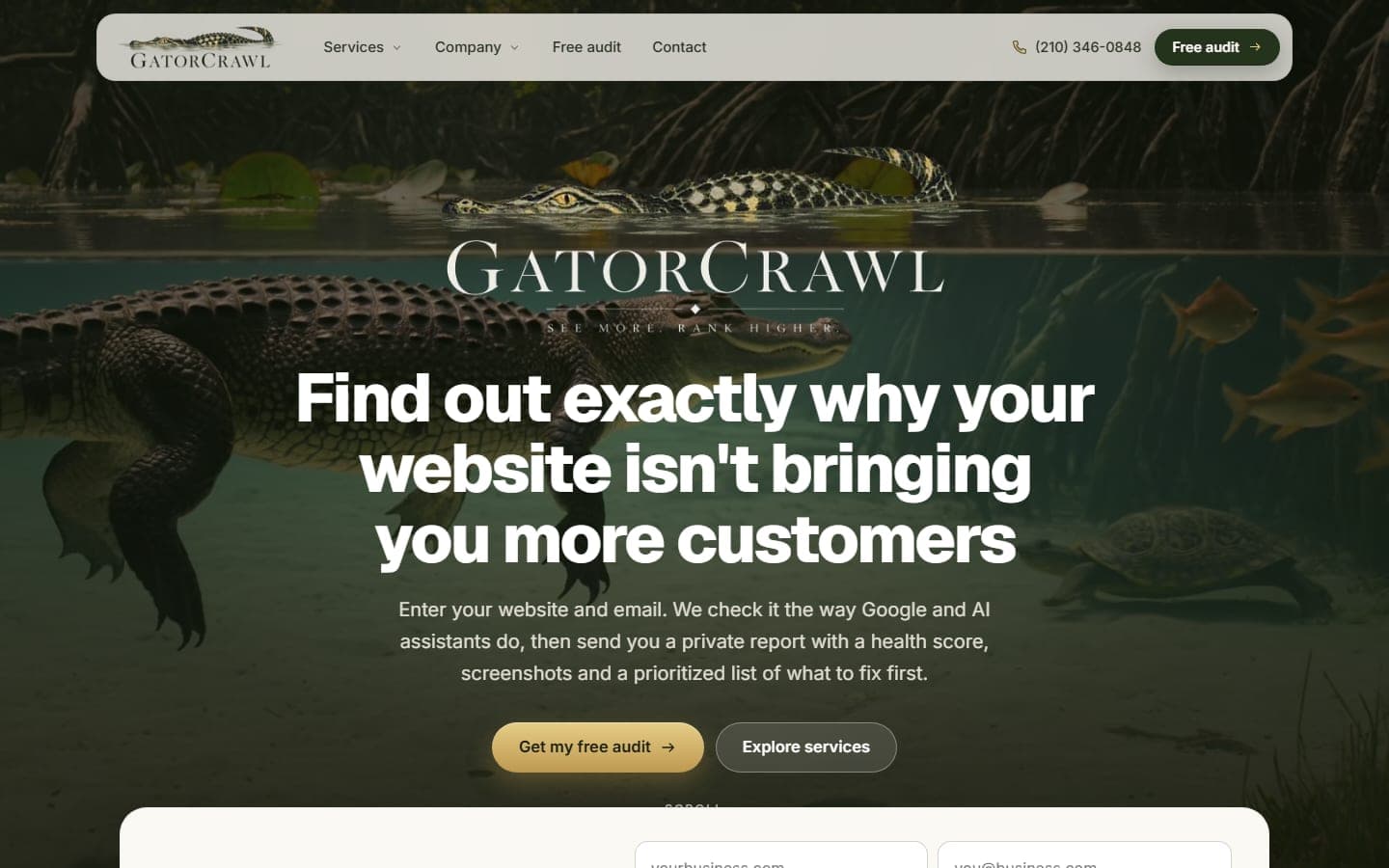
GatorCrawl SEO
San Antonio, TX · Nationwide
Our own audit product. Enter a website and an email, and GatorCrawl checks the site the way Google and AI assistants do, then sends a private report…
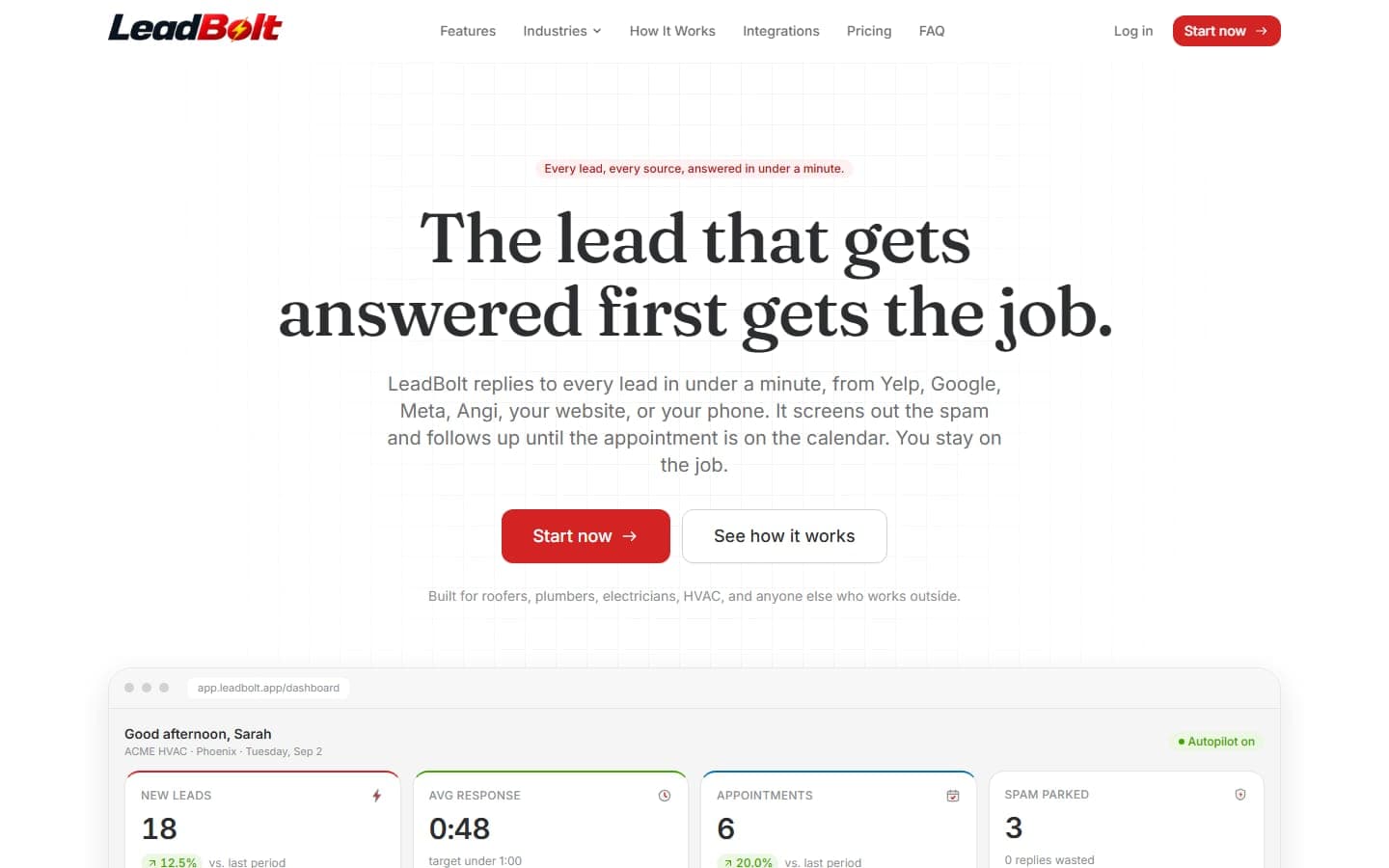
LeadBolt
San Antonio, TX · Nationwide
A software product, not a brochure: LeadBolt answers every Yelp, Google, Meta, Angi, website and phone lead in under a minute, screens out the spam…
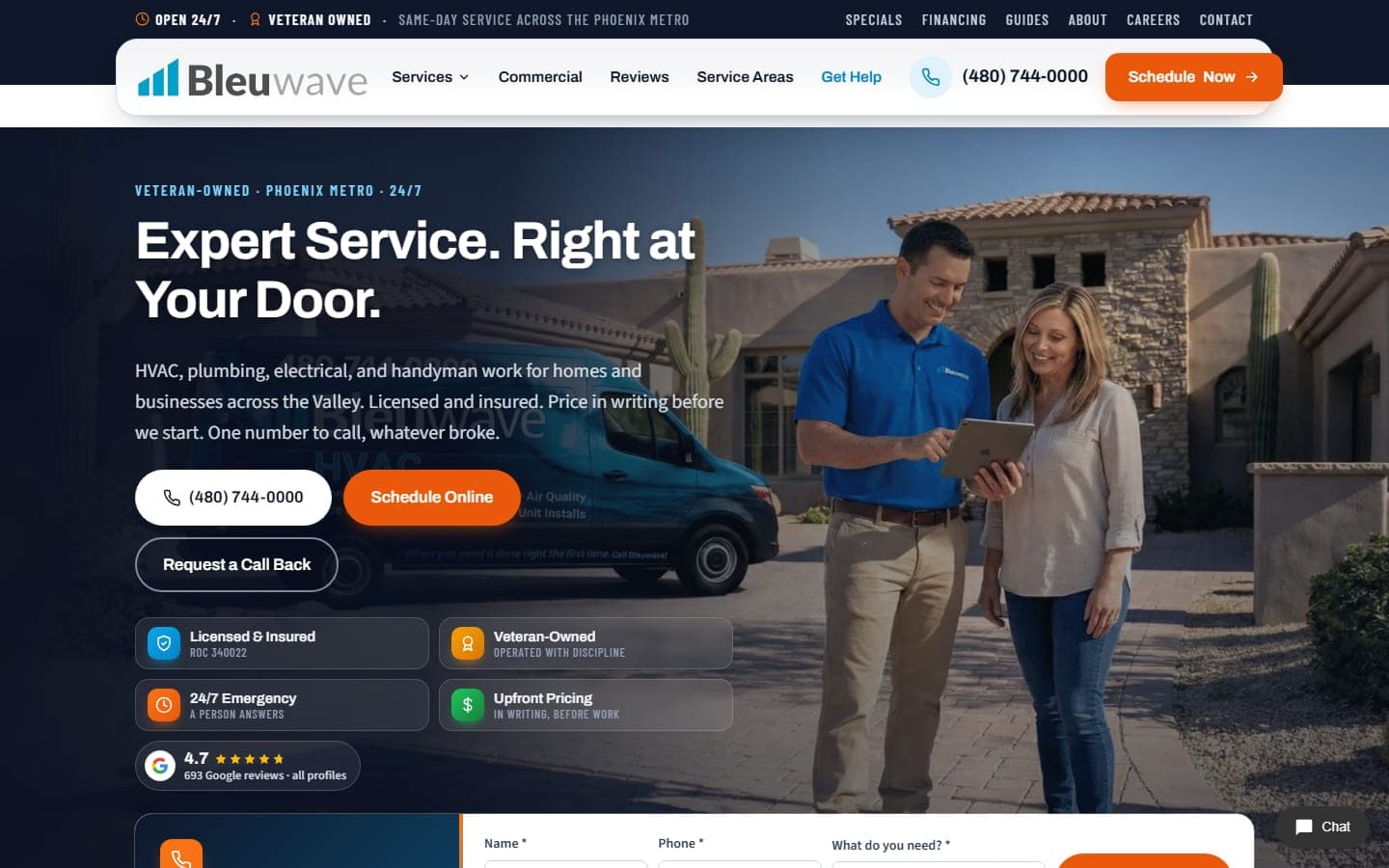
Bleuwave Home Services
Phoenix, AZ · San Antonio, TX
The new Bleuwave Home Services site: HVAC, plumbing, electrical and handyman work for the Phoenix metro, rebuilt around the emergency call. The…
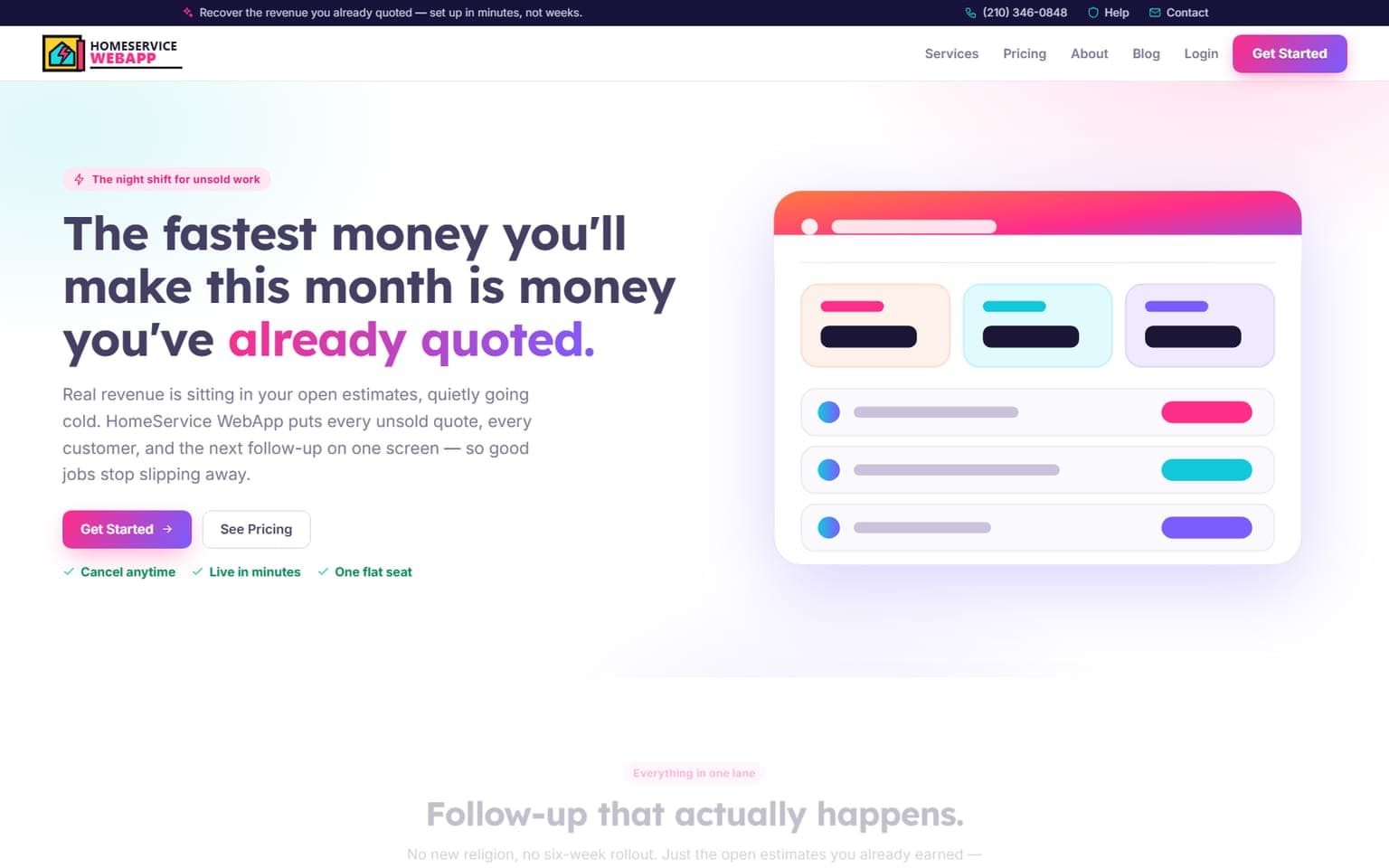
HomeService WebApp
Online · Nationwide
A full redesign of the command center that hunts down the revenue a contractor already earned and never collected. The premise is blunt — the fastest…
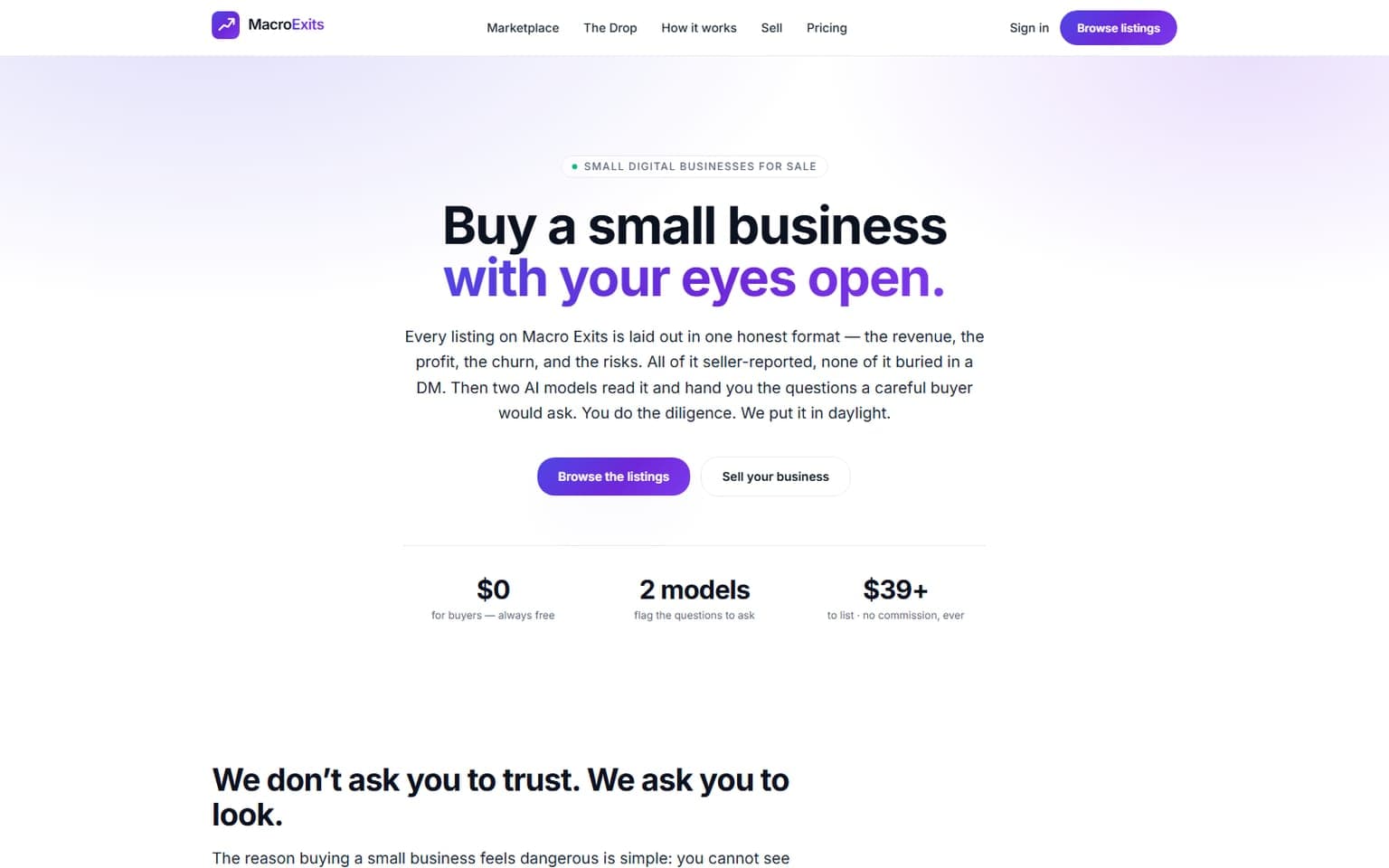
MacroExits
Online · Nationwide
Buying a small business used to be a leap of faith taken in a stranger's DMs. MacroExits ends the guessing. Every listing is laid bare in one honest…
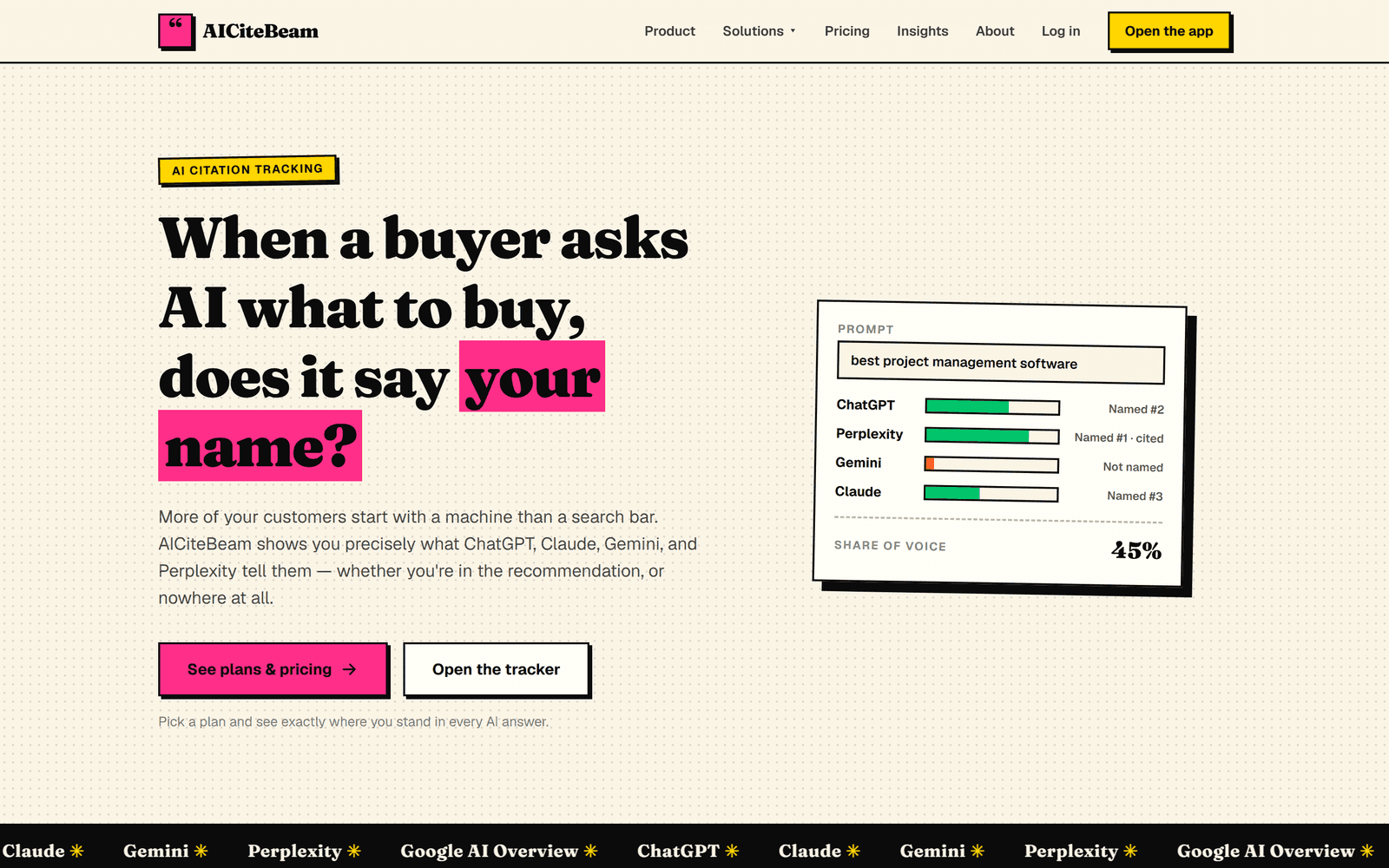
AICiteBeam
San Antonio, TX · Nationwide
A GEO platform that tracks whether the major AI assistants name and cite your brand when buyers ask AI what to buy — with daily monitoring…
Related pages
More on Internal Tools & Business Software: services, free tools, and guides
Try a free tool before you call anyone, or read a guide that answers the question you were about to ask.
Help Topics
Internal Tools & Business Software in San Antonio: common questions
Straight answers on cost, timing, and what happens after launch. If yours isn't here, ask. A person will answer.
What kinds of internal tools do you build for San Antonio businesses?
Should an internal tool be a desktop app or a web app?
Can you replace our spreadsheets without losing our data?
How much does a custom internal tool cost?
Do our staff need training to use a custom internal tool?
Get a free Internal Tools & Business Software plan. Keep it either way.
Tell us what you need and what is in the way. Within four business hours you get a short, specific plan: what to build or fix first, what to skip, and what it should cost. Hire us or don't. The plan is yours.
No contracts to sign. No sales script. Reply within four business hours, Monday through Friday.