
Desktop Application Development in San Antonio, TX
Desktop Application Development in San Antonio, Proven on Our Own Software.
We build native Windows applications. Our own product, GatorCrawl, is one of them: a desktop SEO crawler, publishing scheduler, and AI marketing toolkit. Your app gets the same engineering.
- A free written plan, yours to keep
- A person replies within 4 business hours
- A fixed written quote before work starts
- Built and supported in San Antonio
- Your goal
- Timing & budget
- Where to send it
v26.10
The short version
Desktop Application Development in San Antonio: what usually goes wrong, and the fix.
The problem
Browser tools that time out on large jobs, stall when the connection drops, and send sensitive files to someone else's server for no good reason
What you get instead
Desktop application development in San Antonio is our daily practice, not a line on a capabilities slide. A browser is not always the right home for software. Desktop apps handle large local files, long-running jobs, and work that should keep going when the internet blinks. GatorCrawl crawls whole websites, schedules publishing, and runs a background agent on the user's own machine. We know where desktop software earns its keep, and where a web app would do.
Most agencies sell this kind of work as a package: a price, a slide deck, and a launch date. Then they find out what your business needs. We work in the other order. First comes a free written plan that names what to fix and what it costs. Then the work, in stages you can see. Then numbers that show whether it paid.
If something isn’t paying, we say so and stop. That is cheaper for you, and it turns out to be good for repeat business.
Who it’s for
Who hires us for Desktop Application Development
- Teams that process large files or datasets locally
- Companies that need scheduled jobs to run on their own machines
- Agencies and consultants who want a tool of their own instead of another subscription
Not on the list? Ask anyway. The plan is free, and we will tell you plainly if we are the wrong fit.
What’s included
What our Desktop Application Development service includes
Every item below is part of the work, not an upsell you discover on the invoice. Each one exists for a reason we can explain in a sentence.
Native Windows Engineering
Modern Windows interfaces built the same way as GatorCrawl. Fast, native software with a long support runway.
Background Agents and Scheduling
Work that continues after the main window closes. GatorCrawl's background agent publishes scheduled posts and runs due rank checks on its own.
Local Data and File Handling
Large files processed on the machine that has them, with local storage for speed and privacy.
Installers and Updates
A clean install, a clear update path, and no setup instructions that begin with "first, disable your antivirus."
What you have when we finish
- Windows installer with an update path
- Full source code and build files, owned by you
- Error logging and diagnostics
- User guide and admin documentation
You own what we deliver. Nobody holds your website hostage.
Setup will walk you through 4 steps. It will not ask you to insert Disk 2.
The process
How a Desktop Application Development project runs, step by step
No mystery phases and no “we’re in discovery” for three months. Each step ends with something you can see, click, or keep, and you approve it before the next one starts.
- 1
Platform Decision
We confirm a desktop app is the right call, not a habit. If a web app serves you better, we say so before you spend anything.
You receive: Platform Recommendation
- 2
Interface and Data Design
Screens laid out for people who use the tool all day, plus the local data model behind them.
You receive: Clickable Prototype and Data Model
- 3
Test Releases
Installable test builds every two weeks on your own machines, so the quirks of your setup surface early.
You receive: Test Installers
- 4
Release and Support
Final installer, documentation, and a plan for updates as Windows and your needs change.
You receive: Production Release
Same folder
More Software Development services in San Antonio
Desktop Application Development is one piece of our Software Development work. If the problem is bigger or smaller than this page, one of these probably fits.
- Custom Software DevelopmentCustom software development in San Antonio for workflows that off-the-shelf products only half cover. Desktop, web, or both, with the source code handed to you.
- Internal Tools & Business SoftwareInternal tools development in San Antonio: dashboards, quote builders, client trackers, and reports that replace the spreadsheet everyone edits and nobody trusts.
- API IntegrationsAPI integration services in San Antonio: connect your CRM, accounting, Google, website, and AI tools so data moves on its own instead of by copy and paste.
- AI IntegrationAI integration in San Antonio: leading AI models, hosted or local, built into your software and workflows, with controls on cost, privacy, and output.
- SEO & Marketing SoftwareSEO and marketing software development in San Antonio from the team that built GatorCrawl: crawlers, rank trackers, publishing schedulers, and client reporting tools.
Related services
Services that pair well with Desktop Application Development
A fast website with no traffic is a quiet room. Traffic to a slow website is a leaky bucket. These close the gap.
- Custom Software DevelopmentCustom software development in San Antonio for workflows that off-the-shelf products only half cover. Desktop, web, or both, with the source code handed to you.
- SEO & Marketing SoftwareSEO and marketing software development in San Antonio from the team that built GatorCrawl: crawlers, rank trackers, publishing schedulers, and client reporting tools.
- AI IntegrationAI integration in San Antonio: leading AI models, hosted or local, built into your software and workflows, with controls on cost, privacy, and output.
Where and for whom
Desktop Application Development for San Antonio and the Hill Country
Customers in Boerne and customers on the South Side search differently, buy differently, and ignore different ads. We plan for the towns and trades you actually serve.
Service areas
Industries we build this for
Desktop Application Development: related work
Sites we built that put Desktop Application Development to work
Claims are cheap. Screenshots are less so. Here is recent work where desktop application development did some of the heavy lifting. Click through to the live sites and judge the result yourself.
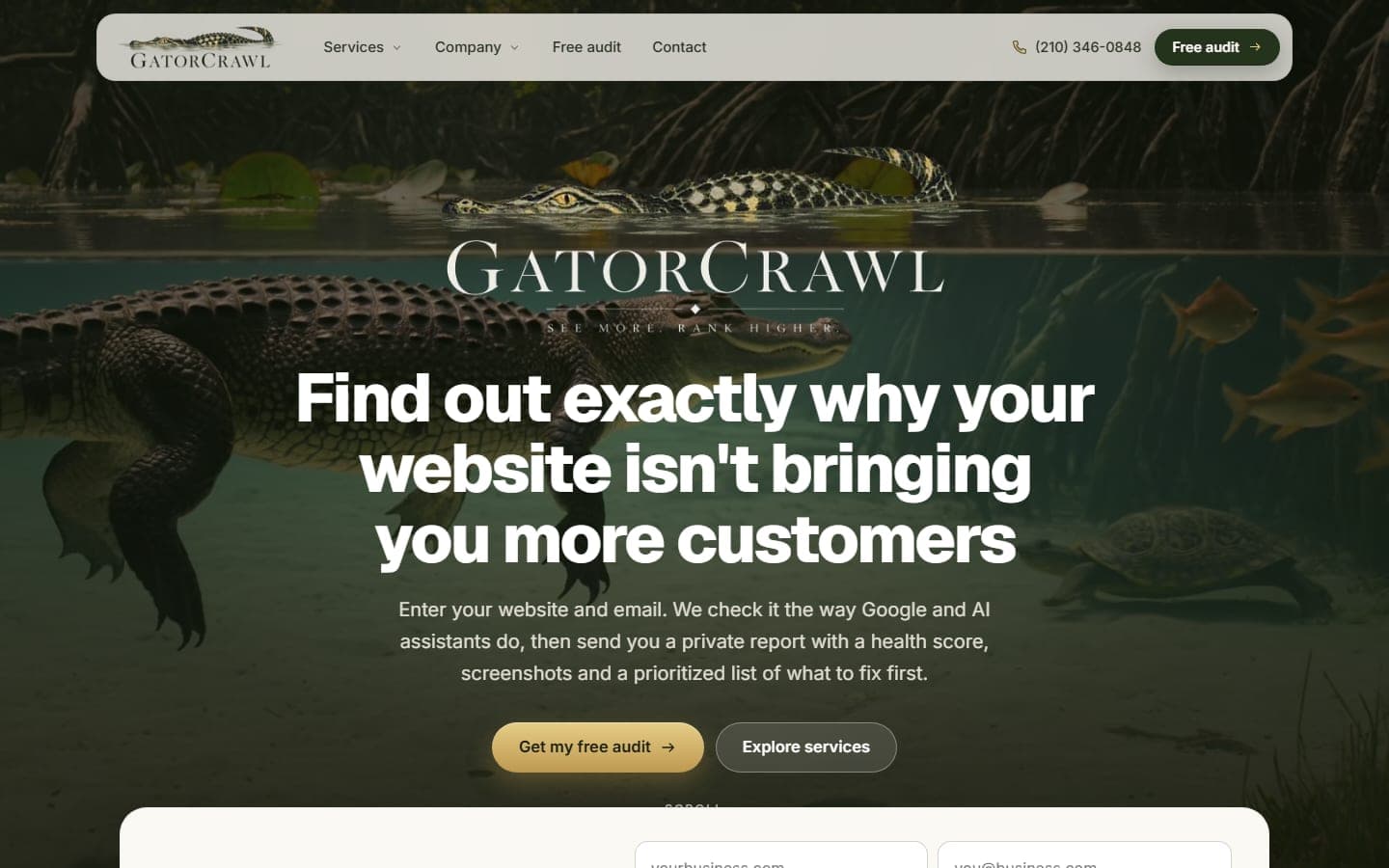
GatorCrawl SEO
San Antonio, TX · Nationwide
Our own audit product. Enter a website and an email, and GatorCrawl checks the site the way Google and AI assistants do, then sends a private report…
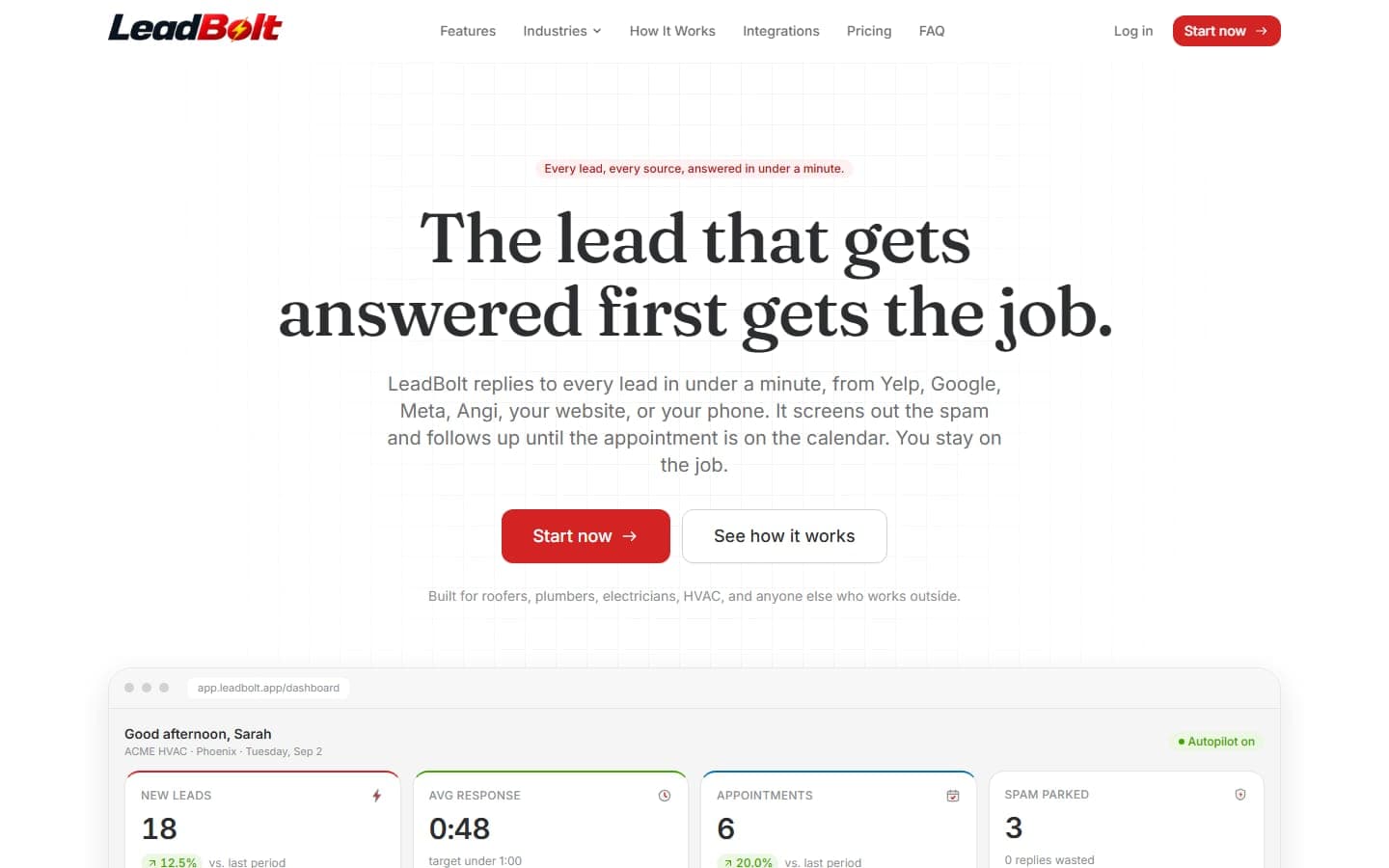
LeadBolt
San Antonio, TX · Nationwide
A software product, not a brochure: LeadBolt answers every Yelp, Google, Meta, Angi, website and phone lead in under a minute, screens out the spam…
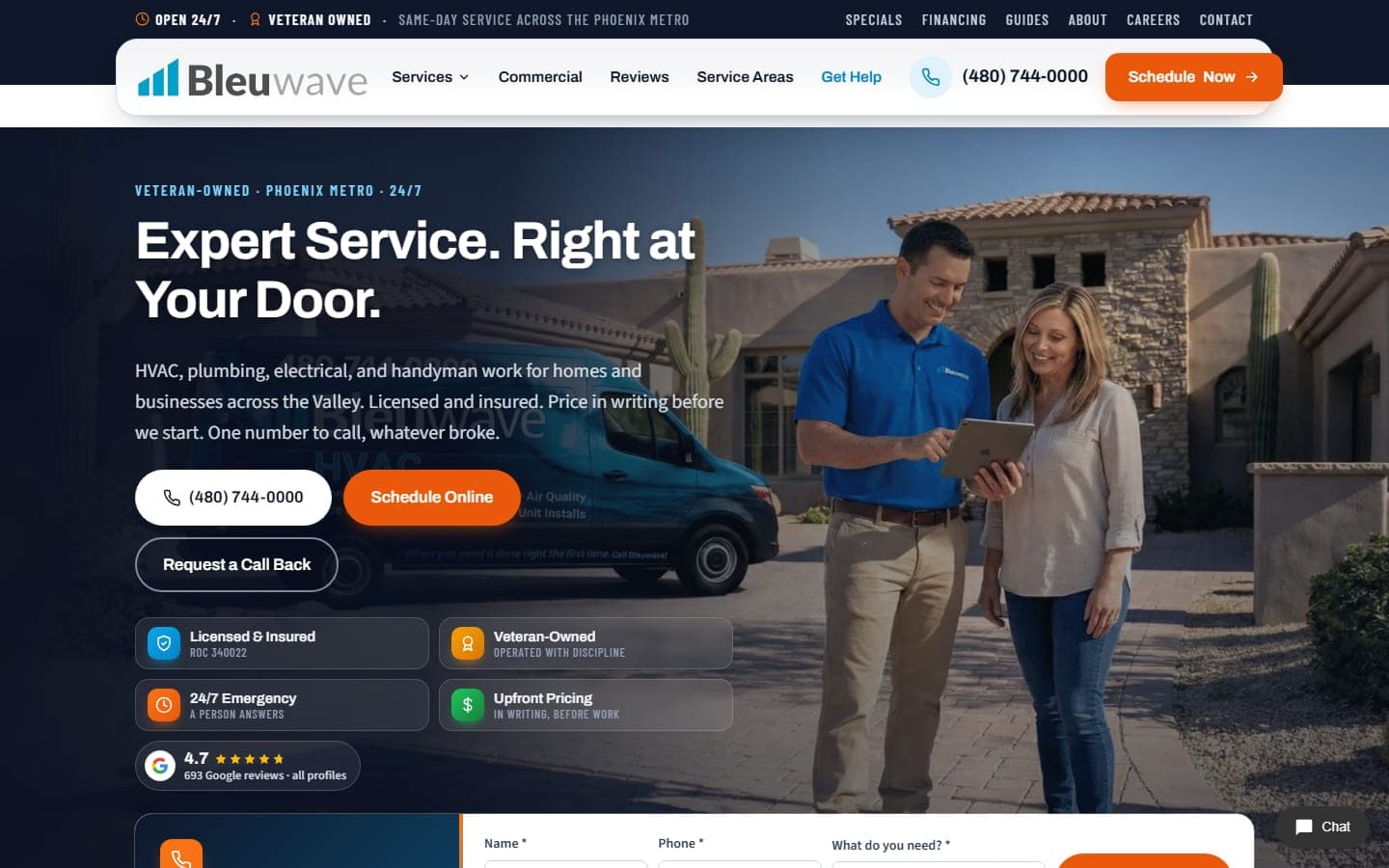
Bleuwave Home Services
Phoenix, AZ · San Antonio, TX
The new Bleuwave Home Services site: HVAC, plumbing, electrical and handyman work for the Phoenix metro, rebuilt around the emergency call. The…
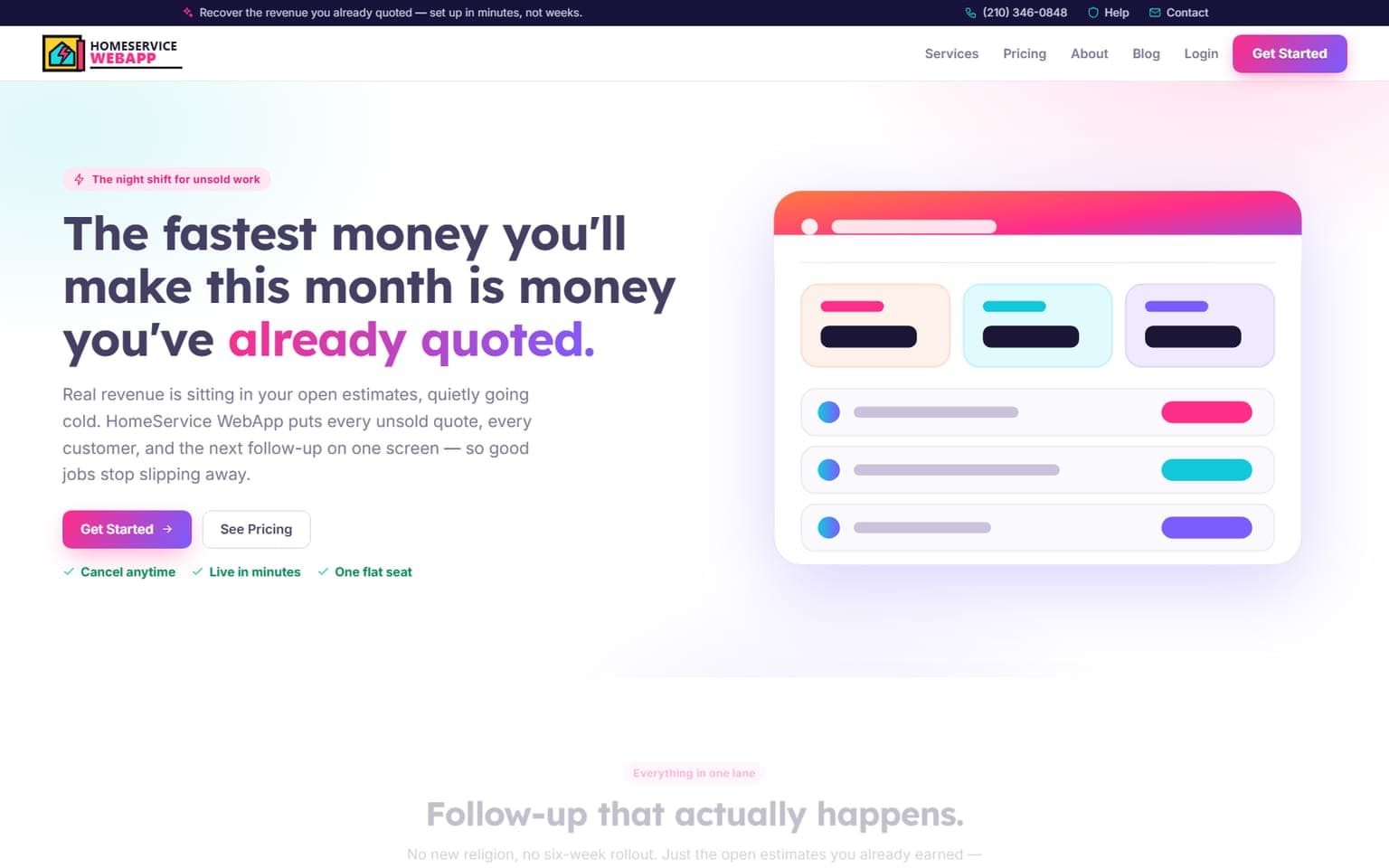
HomeService WebApp
Online · Nationwide
A full redesign of the command center that hunts down the revenue a contractor already earned and never collected. The premise is blunt — the fastest…
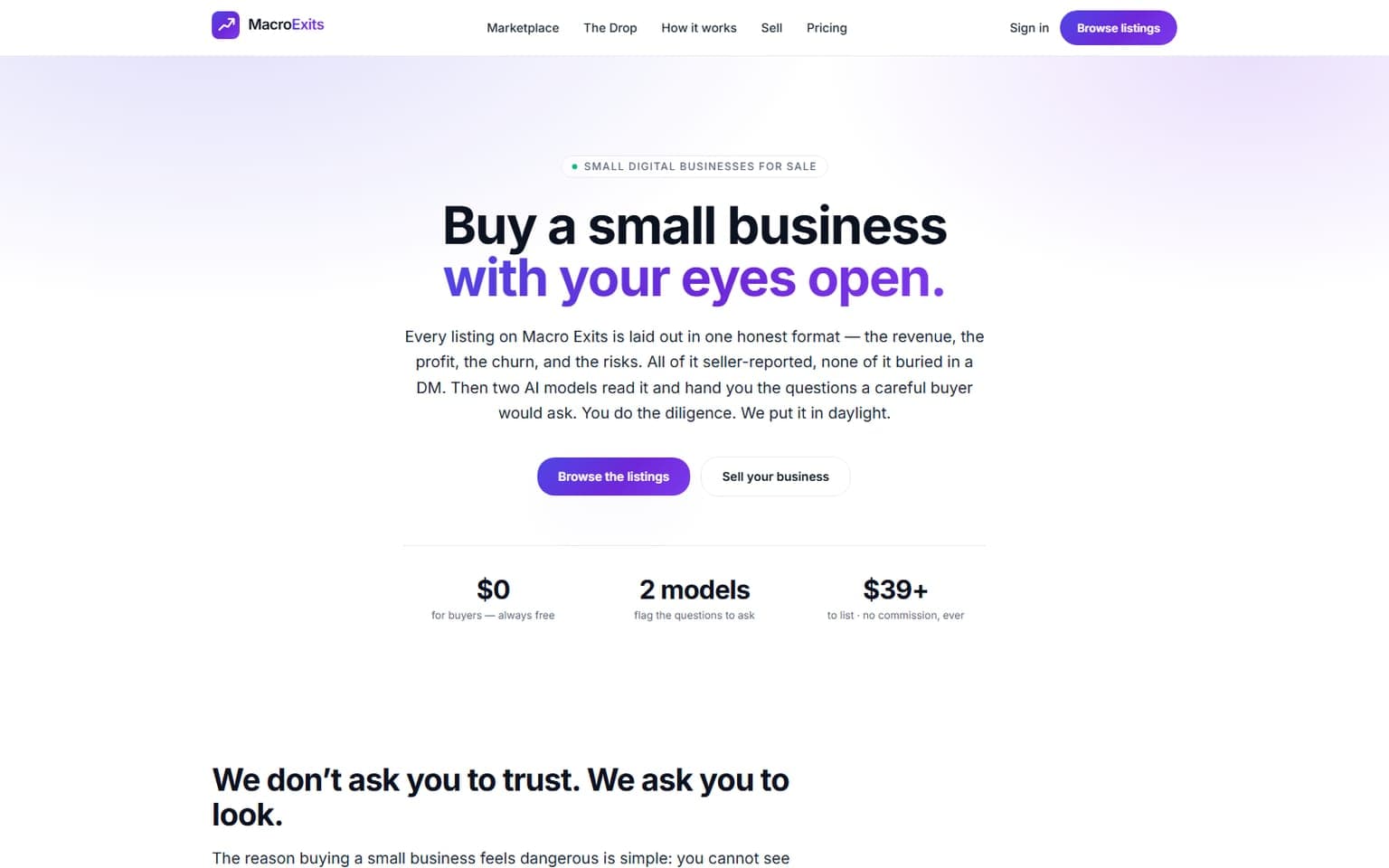
MacroExits
Online · Nationwide
Buying a small business used to be a leap of faith taken in a stranger's DMs. MacroExits ends the guessing. Every listing is laid bare in one honest…
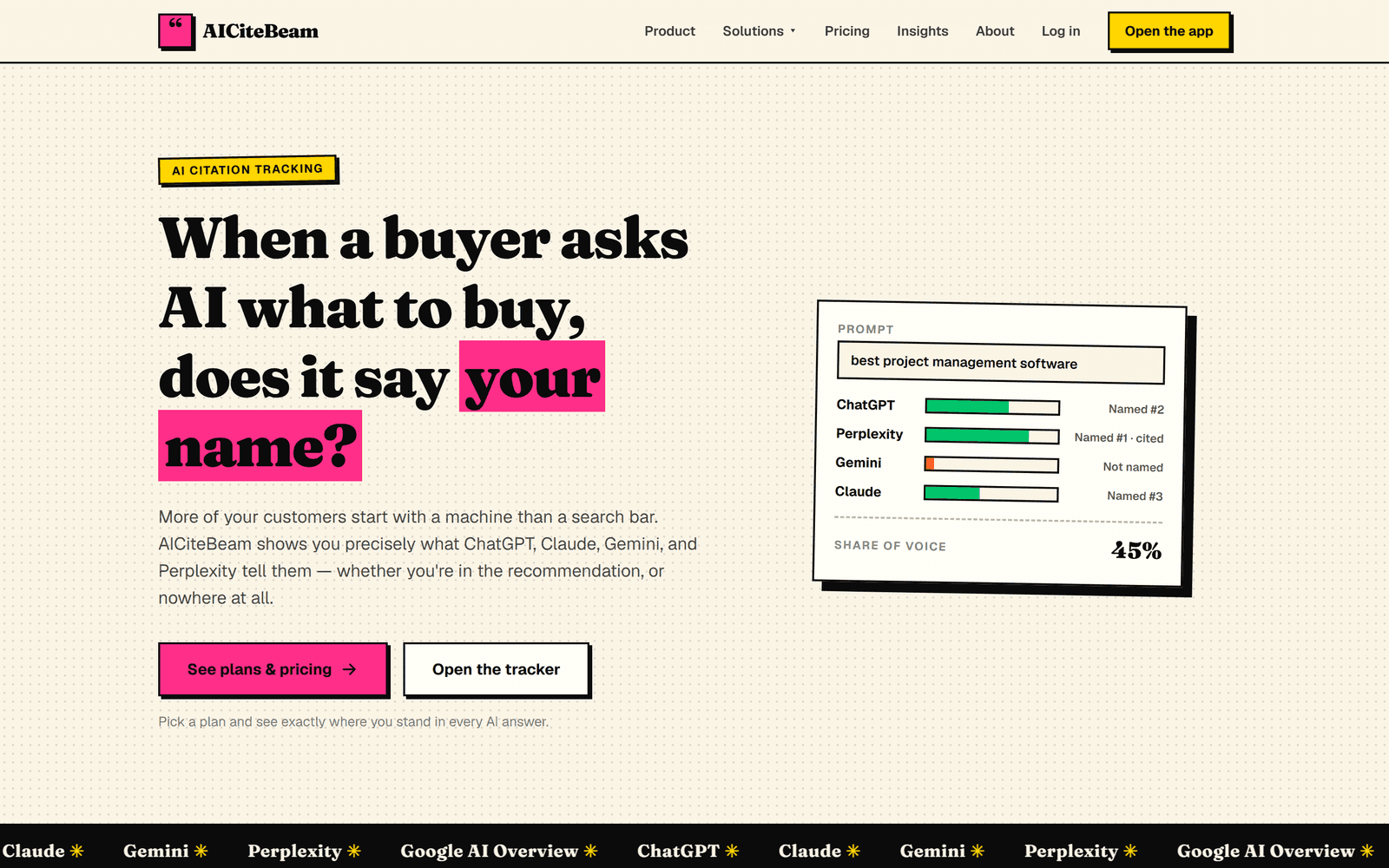
AICiteBeam
San Antonio, TX · Nationwide
A GEO platform that tracks whether the major AI assistants name and cite your brand when buyers ask AI what to buy — with daily monitoring…
Related pages
More on Desktop Application Development: services, free tools, and guides
Try a free tool before you call anyone, or read a guide that answers the question you were about to ask.
Help Topics
Desktop Application Development in San Antonio: common questions
Straight answers on cost, timing, and what happens after launch. If yours isn't here, ask. A person will answer.
Do you offer desktop application development in San Antonio?
When does a desktop app make more sense than a web app?
Can a desktop application run tasks in the background?
How do updates work for custom desktop software?
Who owns the desktop application you build?
Get a free Desktop Application Development plan. Keep it either way.
Tell us what you need and what is in the way. Within four business hours you get a short, specific plan: what to build or fix first, what to skip, and what it should cost. Hire us or don't. The plan is yours.
No contracts to sign. No sales script. Reply within four business hours, Monday through Friday.