
Software Marketing & Web Design
Web Design for Software & SaaS Companies That Turns Evaluators Into Trials and Demos.
Product sites, docs, and pricing pages for buyers who read the fine print, test the API, and close the tab at the words "next-gen platform."
- Built around how software customers actually buy
- Free written plan, yours to keep
- Leads traced to the page or ad that made them
- Call (210) 346-0848
- Your goal
- Timing & budget
- Where to send it
v26.10
The market
Software marketing: what actually decides who wins the deal.
Web design for software and SaaS companies has to sell to two people at once: the buyer who signs and the engineer who decides whether the product is real. Most SaaS sites serve neither. They open with an abstract hero, hide pricing behind "Contact Sales," and ship docs that crawlers have to run code to see. We build from our home base in San Antonio for software companies across the country, and the fix is usually the same. Say what the product does in the first line. Show the price, or a plain reason there isn't one. Make the docs fast and indexable. Give each buyer a next step that fits where they are. Search now includes AI assistants that answer questions by quoting pages, so clear, structured product pages earn a place in those answers too.
Translation: the customer is deciding whether to trust you before you know they exist. Your website does the talking until a buyer gets in touch, so it had better say the right things in the right order.
How your customers buy
The software buyer journey, step by step.
- 1
Step 1 of 5
Problem Search
- What the customer does
- Someone outgrows a spreadsheet, a legacy tool, or a homegrown script and searches for a better way, usually describing the problem rather than your product category.
- What your website needs
- Problem-first landing pages and comparison content that match how people describe the pain, rendered on the server so search engines and AI assistants can read every word.
- 2
Step 2 of 5
Evaluation
- What the customer does
- The champion reads features, docs, and pricing, then pastes three competitors into a spreadsheet of their own.
- What your website needs
- A pricing page with real numbers or an honest reason for custom pricing, fair comparison pages, and docs that load fast and answer the first technical question.
- 3
Step 3 of 5
Technical and Security Review
- What the customer does
- An engineer tests the API while a security reviewer asks about audit reports, data handling, and subprocessors.
- What your website needs
- A public API reference, a status page, and a trust page that explains your controls and how to request reports, without claiming anything your security team can't back up.
- 4
Step 4 of 5
Trial or Demo
- What the customer does
- The team starts a free trial or books a demo, depending on how your product sells.
- What your website needs
- A signup with as few fields as possible, product analytics that show who actually activated, and demo routing that sends large accounts to sales and small teams to self-serve.
- 5
Step 5 of 5
Expansion
- What the customer does
- Users invite colleagues, hit plan limits, and look for a reason to upgrade.
- What your website needs
- Lifecycle emails tied to real usage, a changelog that proves the product is alive, and upgrade pages that explain what the next tier actually adds.
Keywords that pay
What software customers type into Google.
- “best help desk software for small teams”Buying
- “invoice processing api”Buying
- “soc 2 compliant password manager for business”Buying
- “feature flag tool pricing”Buying
- “open source alternative to project management software”Buying
- “how to automate customer onboarding”Buying
Example searches. We confirm real volumes and competition for your market in the free plan.
Pages you need
Pages every software website should have.
- Product Overview That Says What It Does in One Sentence
- Pricing Page
- Documentation and API Reference
- Security and Trust Center
- Comparison and Alternative Pages
- Use-Case and Integration Pages
- Changelog
- Customer Stories (once you have real ones)
One long “Services” page tries to rank for everything and ranks for nothing. Separate pages give each search a place to land.
Turning visits into calls
What makes a visitor reach out.
- Free trial signup with email or single sign-on and nothing else
- Demo request that routes by company size
- Interactive product tour for visitors not ready to talk
- Pricing calculator for usage-based plans
- Security review packet request for procurement teams
Getting found by buyers
Search visibility for software companies.
- Server-rendered marketing pages and docs, so crawlers and AI assistants read finished pages without running any code
- SoftwareApplication and Organization schema with accurate category and pricing
- Clean docs URLs, sitemaps, and canonical tags so versioned pages don't compete with each other
- Comparison and integration pages that answer the questions people ask AI search tools
- Core Web Vitals kept fast on marketing pages, which gain weight with every new tracking script
Where the ad money goes.
Paid channels that tend to pay back for software companies. We track qualified pipeline, not clicks, and cut what doesn’t earn its keep.
- Google Search ads on high-intent category and competitor terms
- LinkedIn ads aimed at the job titles and company sizes that buy
- Retargeting for visitors who read pricing but never started a trial
- Sponsored placements in developer communities, for products sold to engineers
- Listings in software review directories where buyers compare tools
The tools under the hood.
Fast pages, fewer plugins to patch, and leads that land in the software your team already uses.
- Custom-built marketing site and docs with a fast, secure core
- Content editing your team can do without a developer
- Instant search across docs and help articles
- CRM integration (Salesforce or HubSpot, whichever you use)
- Product analytics that show who activated, not just who signed up
- Analytics with consent management
Content that answers the money questions.
Customers research before they call. These are the articles that let them do it on your site instead of a competitor’s.
- Problem-first guides that rank before the buyer knows your category exists
- Honest comparison pages, including where a competitor is the better fit
- One integration page for each tool you connect with
- Developer tutorials with code that actually runs
- Changelog posts that double as proof the product is maintained
What we'd use
Services for software companies.
- Web DevelopmentWeb development in San Antonio for businesses that want a fast site that brings in work. Custom builds that load quickly, rank on Google, and turn visitors into calls.
- Software DevelopmentSoftware development in San Antonio for businesses that have outgrown spreadsheets and rented tools. Custom desktop, web, and AI software from the team that built GatorCrawl, our own Windows SEO toolkit.
- SaaS Application DevelopmentSaaS development in San Antonio: multi-tenant software, subscription billing, and APIs built to survive real customers.
- Search Engine OptimizationSEO in San Antonio that brings in buyers, not just visitors. Technical fixes, useful content, and earned links that keep paying after the invoice.
- Conversion Rate Optimization (CRO)Conversion rate optimization in San Antonio: more calls and form fills from the traffic you already pay for.
Other industries we work with
Software websites we built
Recent work for software and related businesses
The fastest way to judge a web shop is to click through its work. These are live sites for companies that sell the way software companies do: high-trust, high-ticket, and researched long before anyone asks for a meeting.
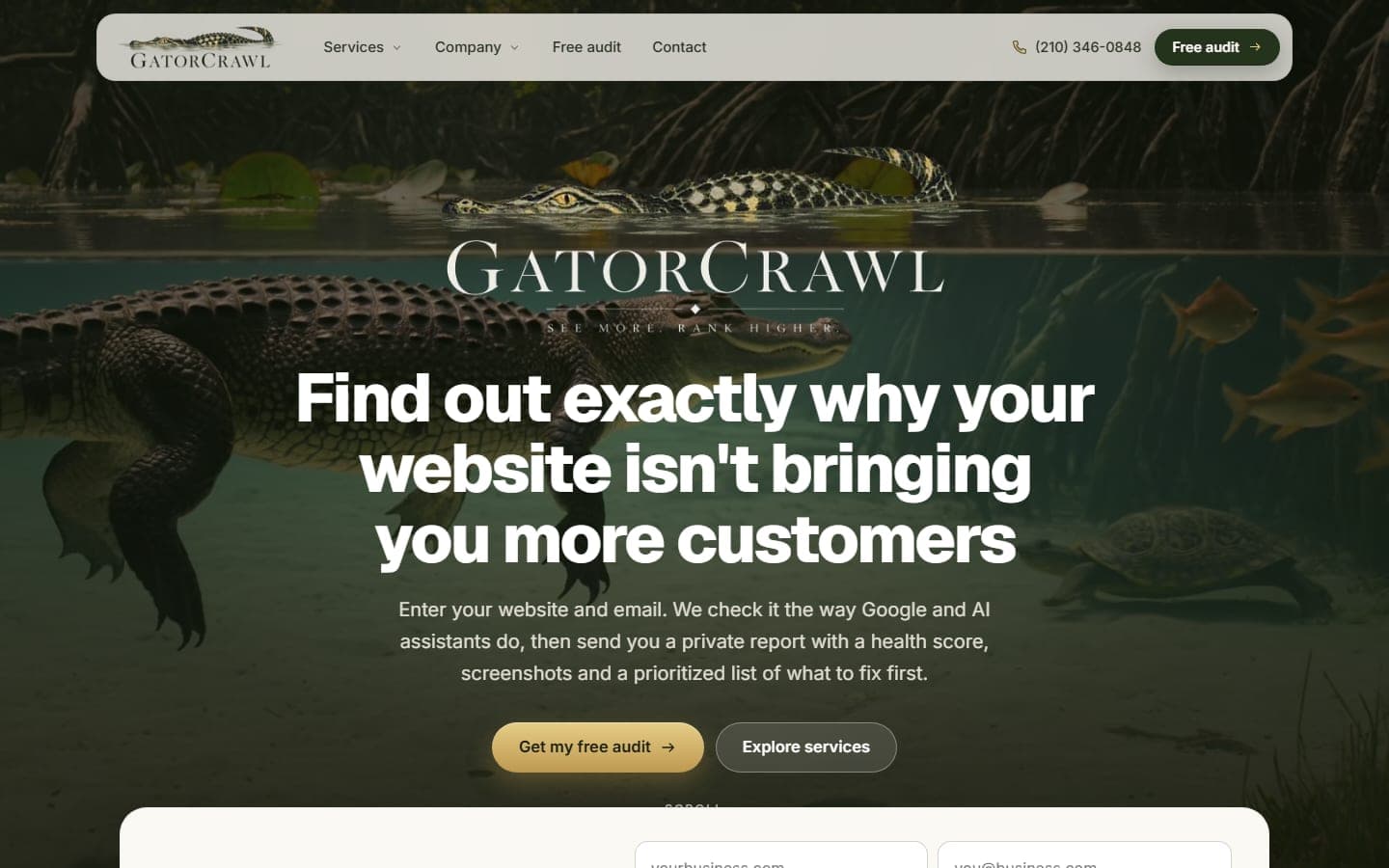
GatorCrawl SEO
San Antonio, TX · Nationwide
Our own audit product. Enter a website and an email, and GatorCrawl checks the site the way Google and AI assistants do, then sends a private report…
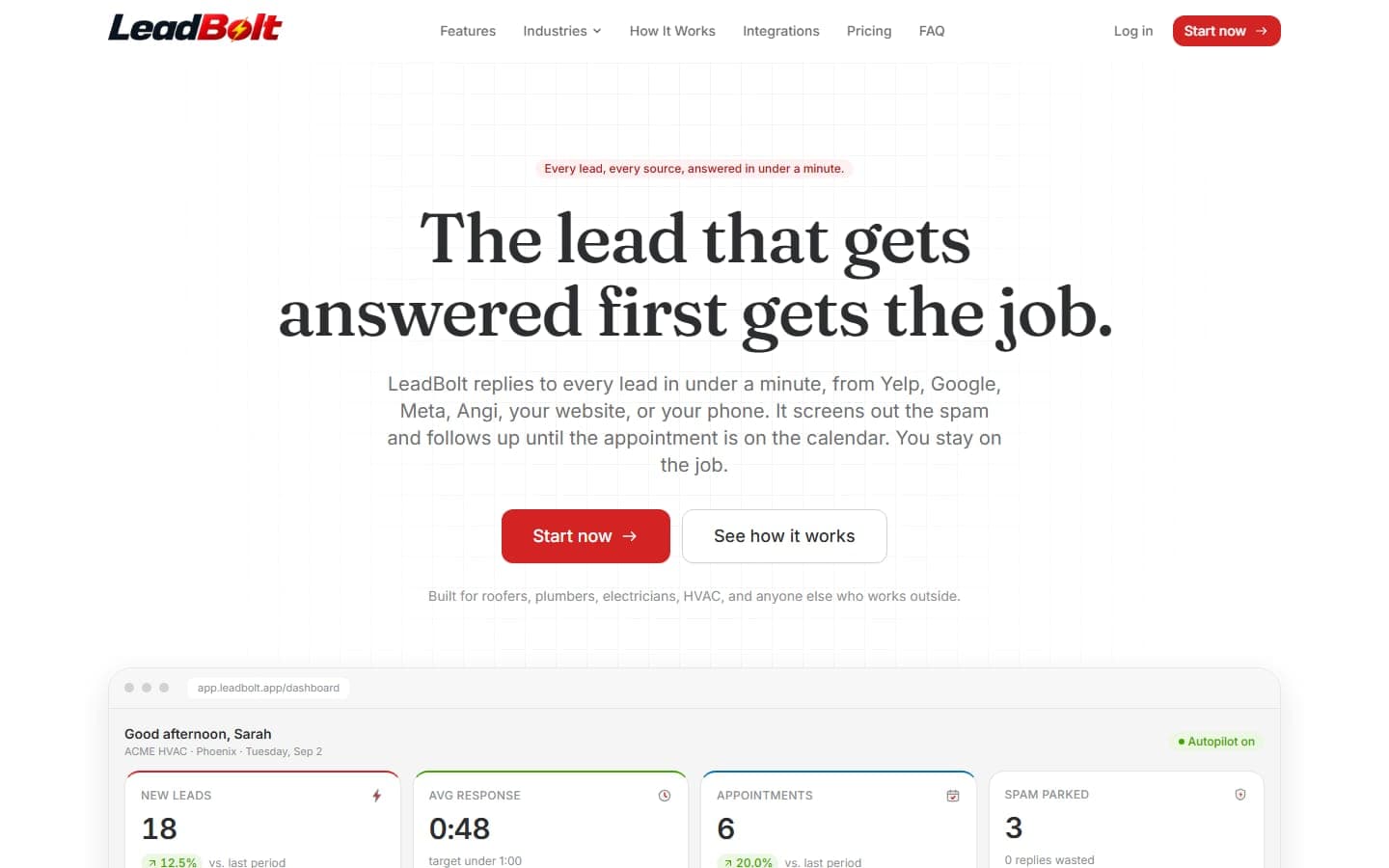
LeadBolt
San Antonio, TX · Nationwide
A software product, not a brochure: LeadBolt answers every Yelp, Google, Meta, Angi, website and phone lead in under a minute, screens out the spam…
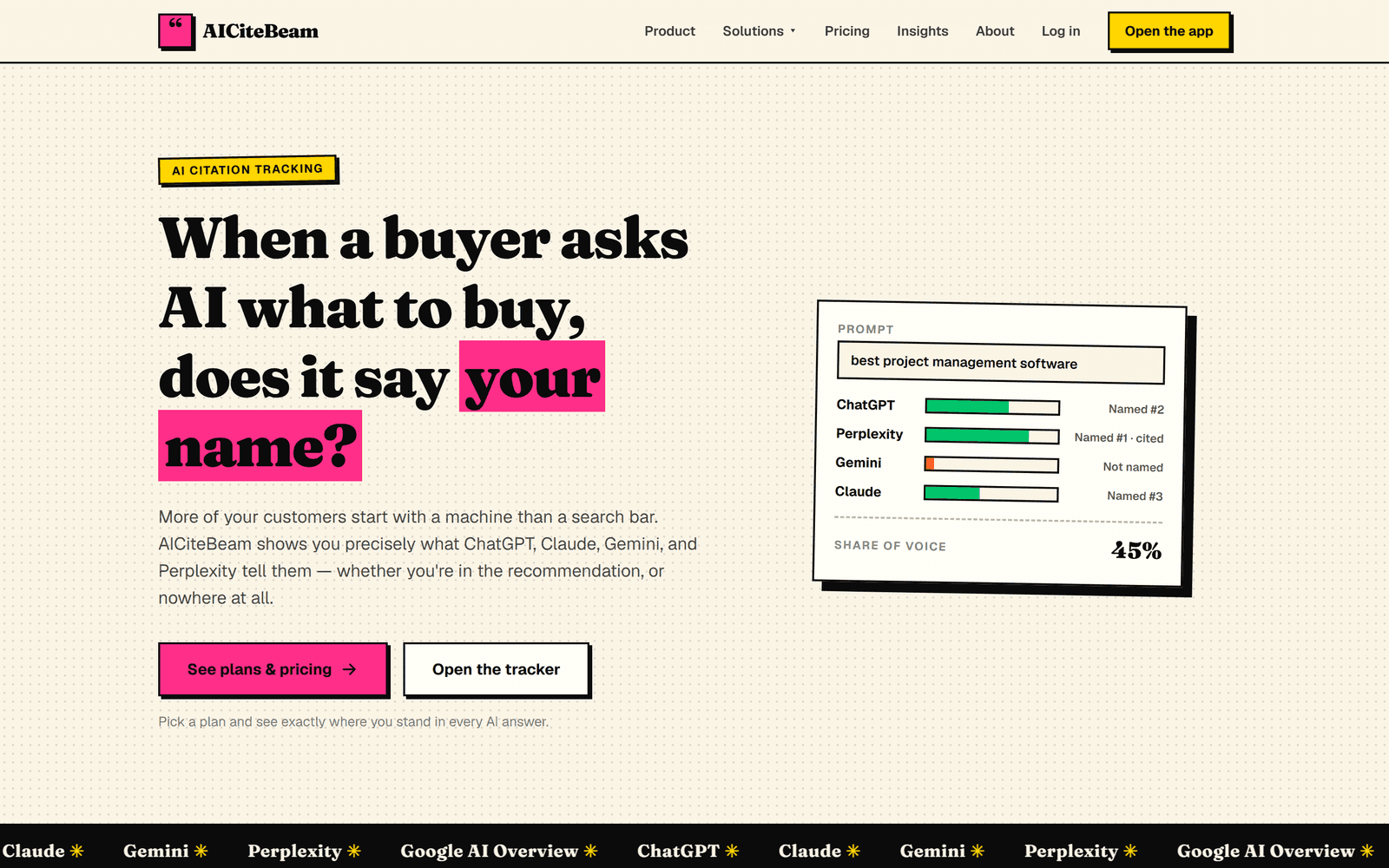
AICiteBeam
San Antonio, TX · Nationwide
A GEO platform that tracks whether the major AI assistants name and cite your brand when buyers ask AI what to buy — with daily monitoring…
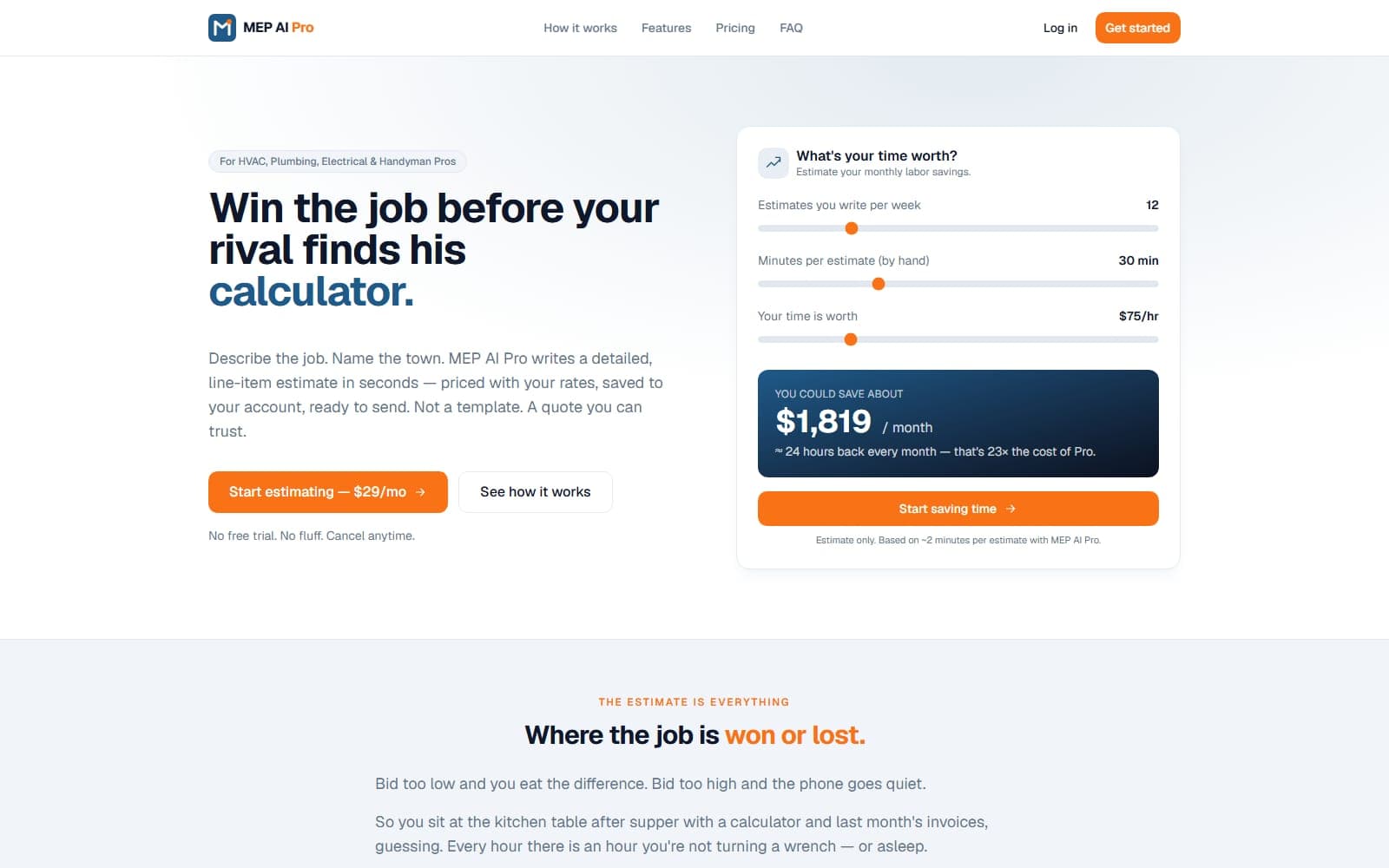
MEP AI Pro
Online · Nationwide
An AI estimating platform for HVAC, plumbing, and electrical pros — describe the job, name the town, and it writes a detailed, line-item quote in…
Email List Refresh
Online · Worldwide
An email-hygiene platform that scrubs dead, invalid, and bounce-prone addresses in bulk — protecting sender reputation and lifting deliverability…
The Sports Desk
Online · Nationwide
Every fantasy site hands you a ranking and asks you to trust it. This one shows its work. A full-stack custom build running real projection math — a…
Related pages
Keep exploring: software marketing tools, guides, and service areas
- Redesign Your Website Without Losing Your Google Rankings: The Redirect Map and Launch-Day Checklist
- Put a Price on Your Website: How Instant Estimates and Honest Ranges Win Customers Who Hate Waiting for a Callback
- Bilingual Websites in San Antonio: How to Add Spanish Pages That Rank and Don't Embarrass You
Help Topics
Software marketing and web design questions
Plain answers for software companies about websites, search visibility, and ads.
How is web design for SaaS companies different from a regular business website?
Can Google index a SaaS website built like a single-page app?
How do we get our software mentioned in AI search answers?
Can you build our SOC 2 or security trust page?
Do you build the software product too, or only the website?
A free plan for more software customers.
Tell us what is broken. Within four business hours we send back a short, specific plan for your software business: what to build, what to stop paying for, and what it should cost. Hire us or don't. The plan is yours either way.
No contracts to sign. No sales script. Reply within four business hours, Monday through Friday.